For thirty years, the internet was built with a single visitor in mind: humans looking at screens, clicking mice, and navigating visual layouts. The placement of a checkout button, the filters on a dashboard, or a reservation form were all crafted around human reflexes.
Today, a significant share of your website visitors are no longer human. They are AI/SI agents attempting to book appointments, download invoices, or submit orders on behalf of their users.
When an AI agent visits your website today, the process is notoriously inefficient. The agent tries to take screenshots, guesses where buttons are located, and parses through complex code via web scraping. The moment you push a minor visual redesign, those automations break immediately.
Yet your website already knows what it can do. Your search engine, booking flow, checkout process, and reporting filters are already functioning. The only missing piece is a common, structured language that allows your site to declare its capabilities directly to AI agents.
This is where WebMCP, the Web Model Context Protocol jointly developed by Google and Microsoft teams within the W3C, comes into play.
Why Agents Struggle with Modern Websites
Until now, the methods used to connect AI agents with web applications have carried significant limitations:
- Screenshot based interaction: The agent looks at the page like a human, analyzes pixels, and simulates clicks. This is slow and creates high computational token costs on every action.
- Web scraping and DOM parsing: The agent inspects complex underlying code to locate buttons. Any update to your page structure or class names halts the process entirely.
- Custom API development: The site owner builds a dedicated API for every feature and distributes API keys. While reliable, maintaining bespoke APIs for every portal is expensive and resource intensive.
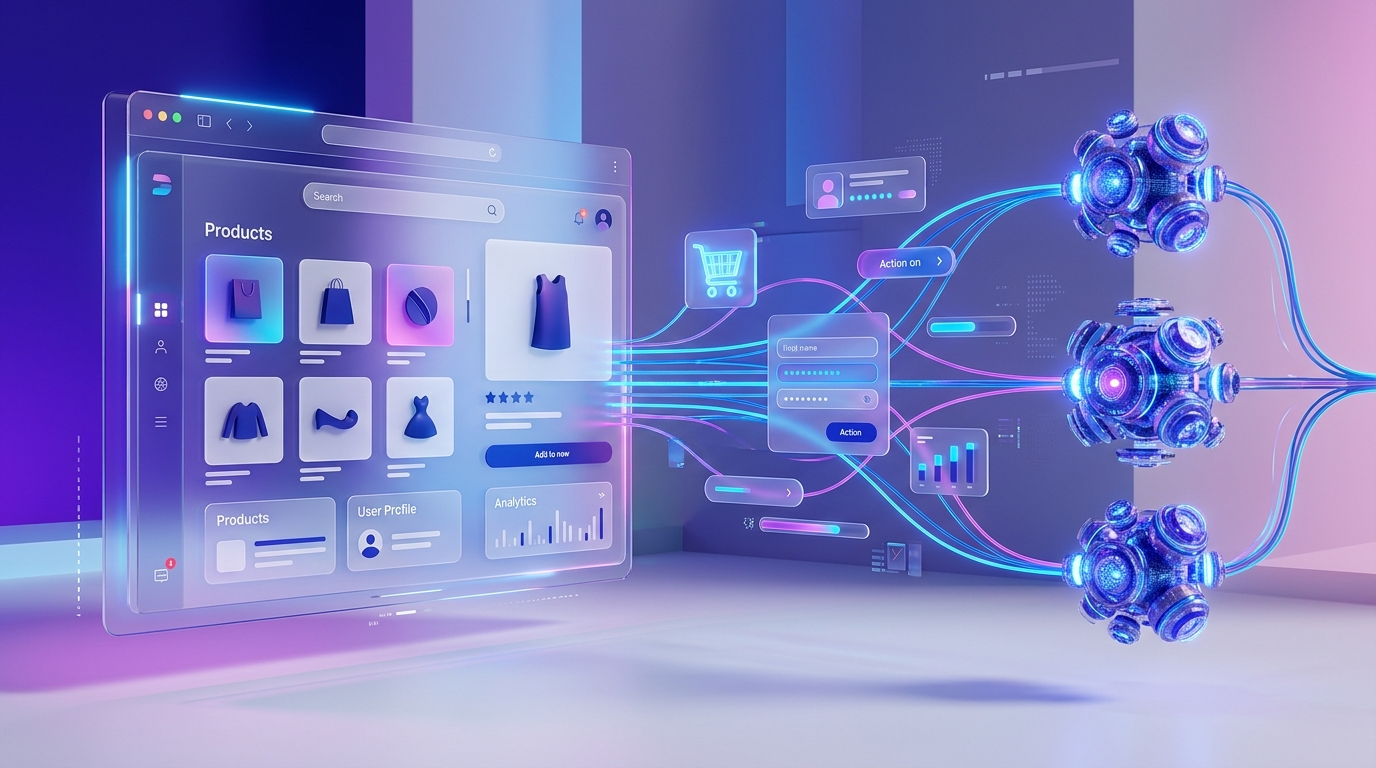
WebMCP replaces this fragility with a simple principle: Instead of forcing agents to guess how your site works, your website declares its own capabilities directly to the browser.
What WebMCP Delivers
Just as sitemaps and structured metadata were introduced to help search engines index web pages accurately, WebMCP makes your site features understandable to AI agents.
Your site communicates three clear points to the browser:
- What actions are available: For example, searching products, booking a consultation, or checking order status.
- What inputs are required: Fields such as date, customer name, category, or order ID.
- How the action runs: The existing JavaScript function behind your button is executed directly.
The greatest advantage is that you do not need to rebuild your backend for AI agents. The existing forms and button handlers already active on your site become the very tools agents interact with.
// Declaring an existing action to AI agents. The entry point is
// document.modelContext; there is no navigator.modelContext.
const controller = new AbortController();

await document.modelContext.registerTool({
  name: "book_appointment",
  description: "Schedules a technical consultation for the user on the selected date.",
  inputSchema: {
    type: "object",
    properties: {
      customer_name: { type: "string", description: "Who the appointment is for" },
      date: { type: "string", description: "Appointment date, YYYY-MM-DD" },
    },
    required: ["customer_name", "date"],
  },
  annotations: { readOnlyHint: false, consequentialHint: true },
  // Your existing handler, unchanged.
  execute: async ({ customer_name, date }) => bookAppointment(customer_name, date),
}, { signal: controller.signal });

// There is no unregisterTool(): aborting the signal is the teardown.
There is also a declarative form, whose attributes are toolname, tooldescription,
toolparamdescription and toolautosubmit (no data- prefix). Its normative spec
section is still marked as unfinished, so today the JavaScript path above is the one
to build on.
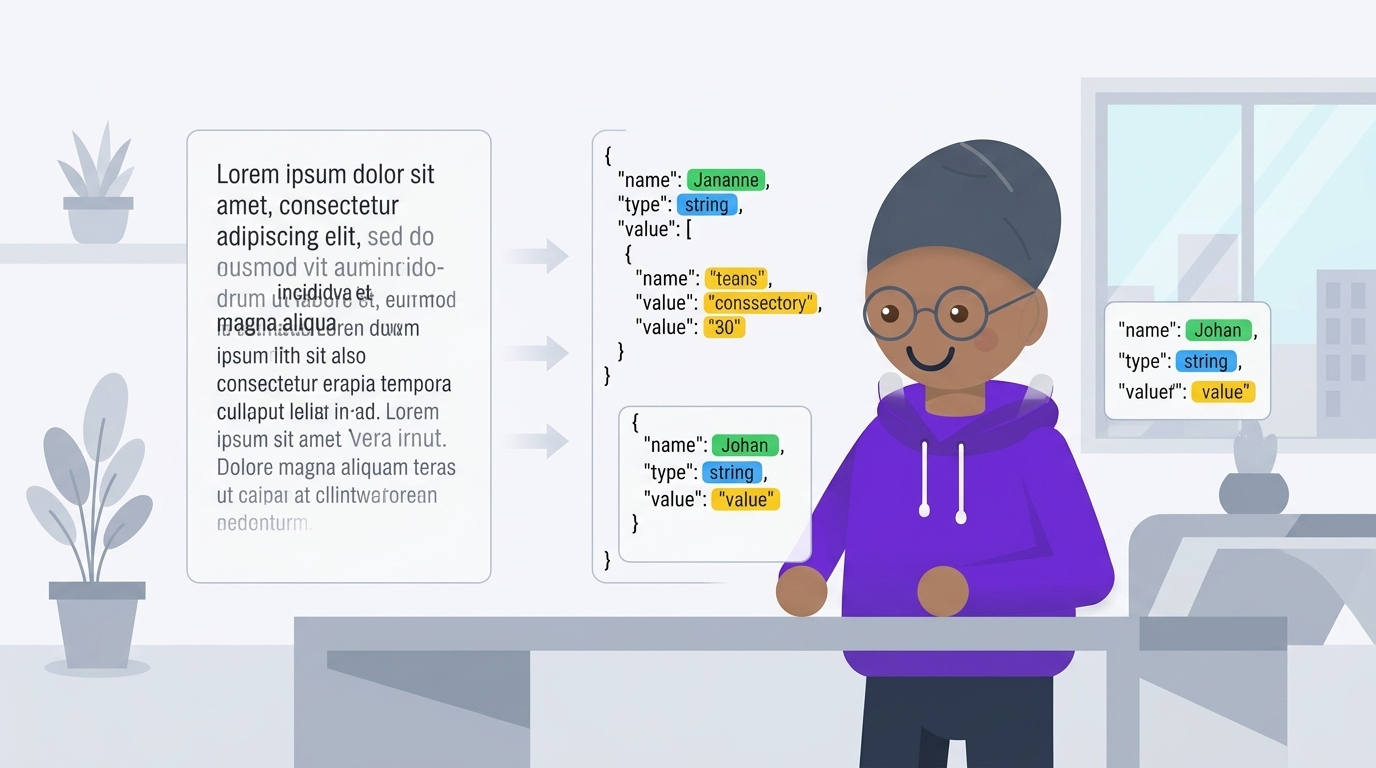
With simple declarative markup added to your page, the browser automatically transforms your form into an accessible agent tool. An AI agent visiting the page does not need to guess where buttons sit; it invokes the tool directly and completes the task in seconds.
Authentication and Security Advantages
For modern web applications, the most critical advantage of the WebMCP architecture is security and session management.
Traditional API integrations require users to share passwords or long lived API keys with third party platforms. WebMCP operates directly inside the user's active browser tab.
- The user is already logged into your website.
- The agent acts within the user's active browser session and permissions.
- No passwords or sensitive credentials are sent to external servers.
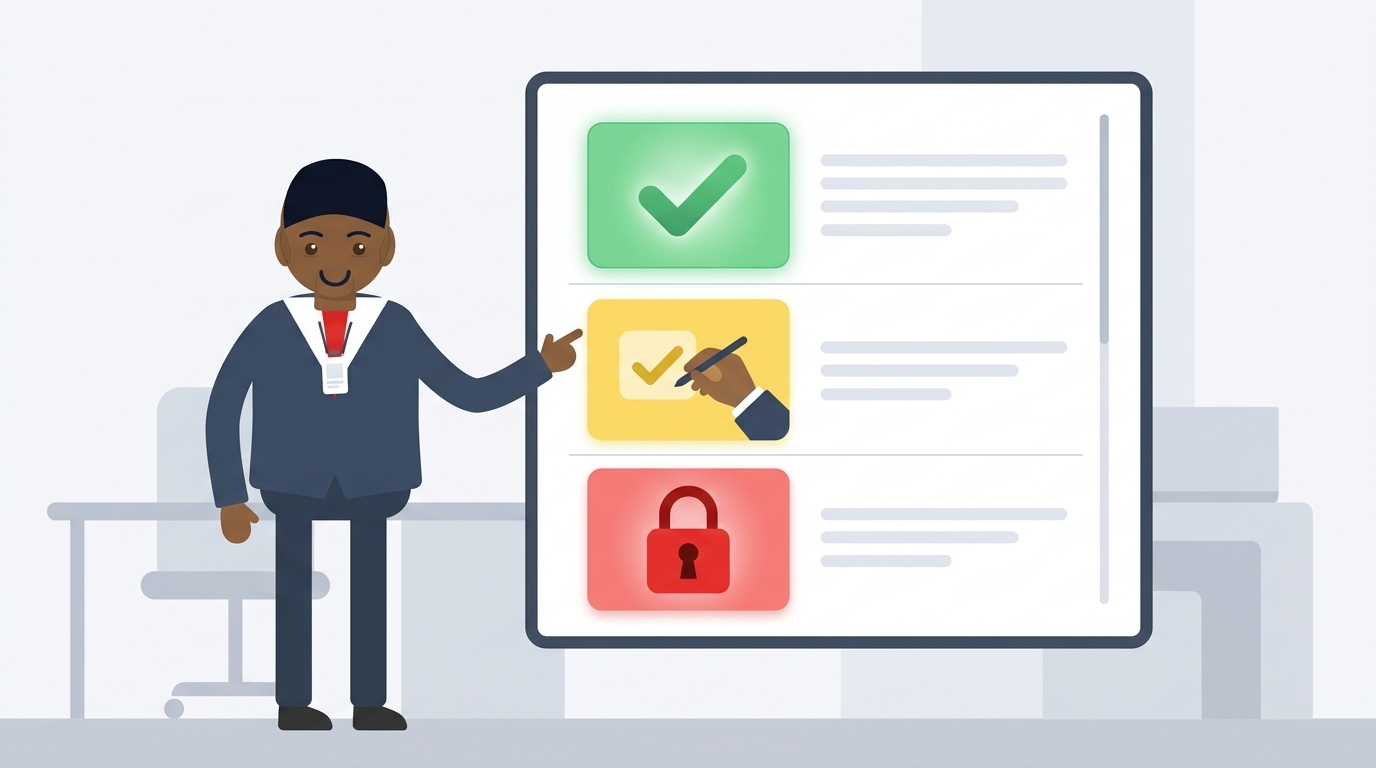
- For high stake actions, such as a payment or record deletion, the site can present an on screen confirmation prompt before executing.
Control remains entirely in the hands of the site owner and the user.
What This Means for Web App Owners
Preparing your web application or SaaS platform for this shift provides two distinct strategic advantages:
First, customers who use AI assistants can interact with your platform seamlessly. When a client tells their assistant to "Check my order status" or "Generate this week's report," your application responds instantly and accurately.
Second, the maintenance overhead of web automation drops to zero. You no longer have to worry about broken third party scrapers whenever you update your user interface.
Where Botonom fits
Botonom is an autonomous AI agent platform that runs business operations, data analysis and repetitive back-office work for companies.
Having written this guide, we applied it to our own site. Live: botonom.com is a WebMCP provider. The agent catalogue, the skill catalogue, pricing, a plan estimate and documentation search are declared as read-only tools that an agent in the browser can call directly. Check it yourself: in a Chrome started with the WebMCP flag, open any botonom.com page and run (await document.modelContext.getTools()).map(t => t.name) in the console. What this looks like on Botonom, which tools are open, what each one answers and what none of them can do, we set out one by one in our WebMCP documentation.
Where we are headed: the other direction, Botonom agents calling other sites' WebMCP tools from a browser. We do not do this today; our agents run server-side. As websites start declaring their capabilities, enterprise portals, B2B ordering screens and supplier panels without a public API become reachable that way.
So: you can prepare your own site for the agentic era now, and we have done the same on ours.
Frequently Asked Questions
Do I need to rewrite my website to use WebMCP?
No. WebMCP leverages the existing forms, inputs, and functions already powering your pages. You can make your site compatible by adding lightweight declarations without altering your design or infrastructure.
Does adding WebMCP create a security risk?
No. Your application code retains full control over which actions are exposed and what permissions they require. Because actions execute in the user's active browser context, no unauthorized backend backdoors are created.
Why use this approach if a standard API is available?
Standard APIs are suited for server to server communications, but they do not carry the user's live browser session or visual context. WebMCP works inside the active tab where the user is already authenticated, eliminating the need for credential handoffs.
How does Botonom interact with these websites?
Today Botonom is on the provider side of this: our own site declares its capabilities through WebMCP, and an agent in the browser can call them directly. Having our agents call other sites' WebMCP tools from a browser is where we are headed, and is not shipped yet.