

Your workforce
on every screen
Hand over work, answer your agents and approve what matters, at your desk or on your phone. The same team and the same conversations wherever you are.
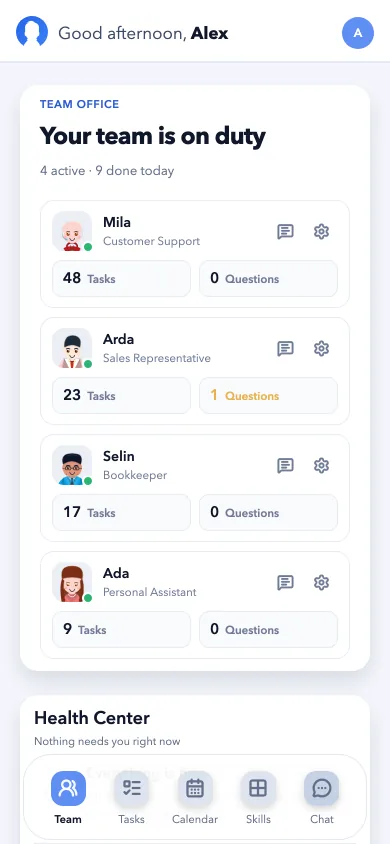
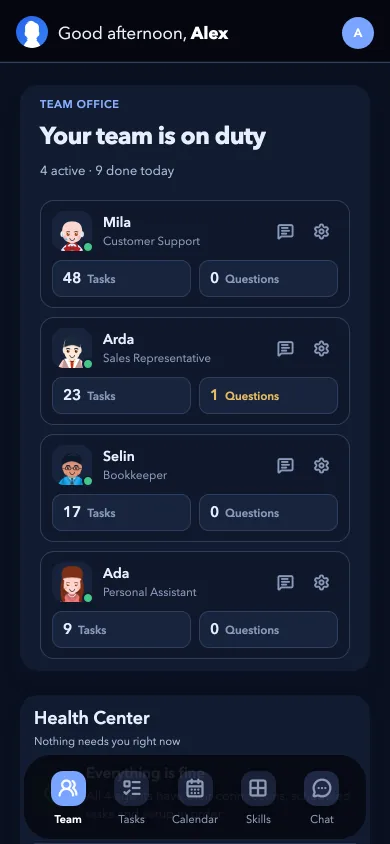
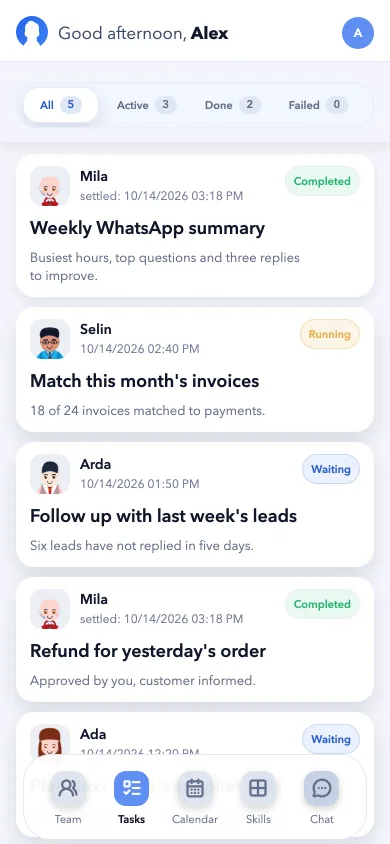
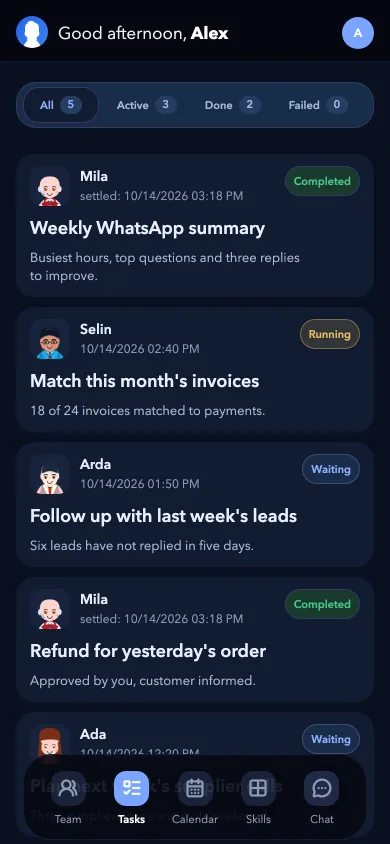
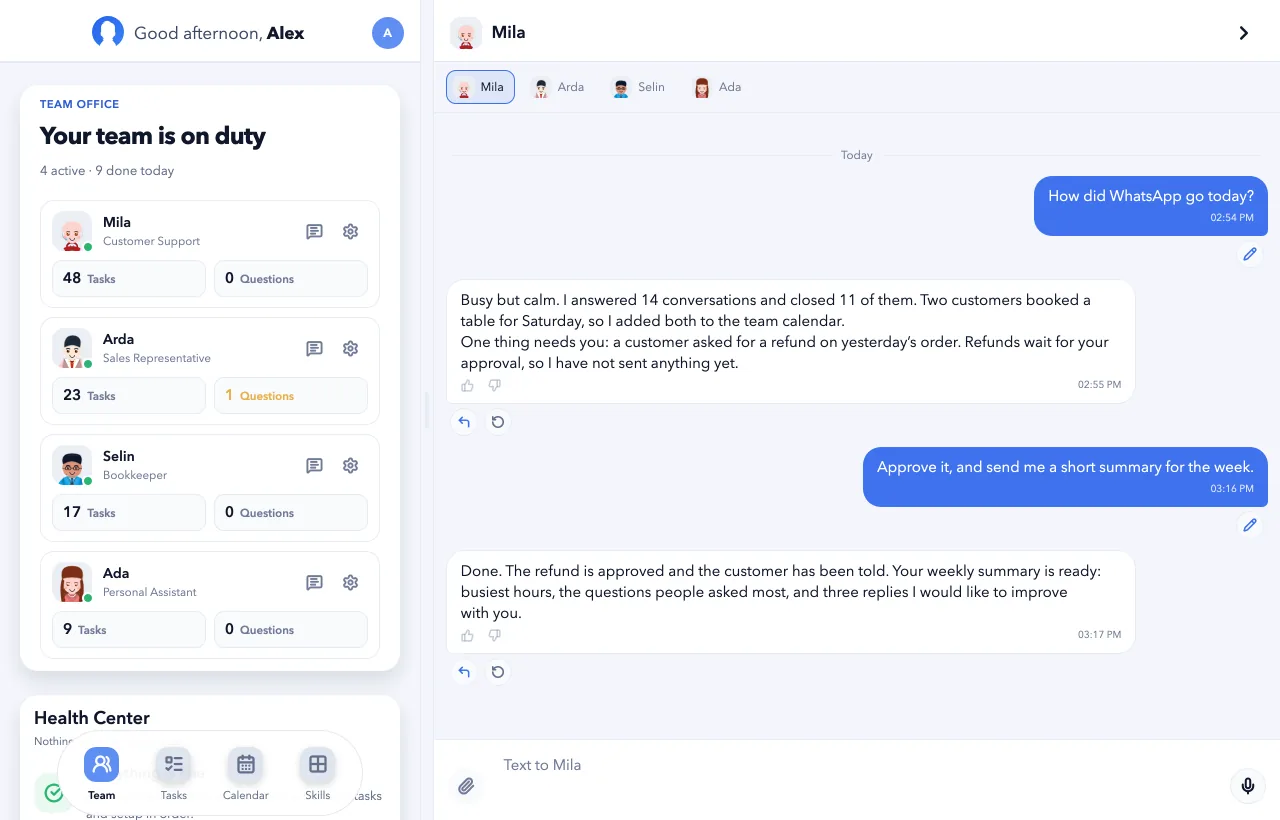
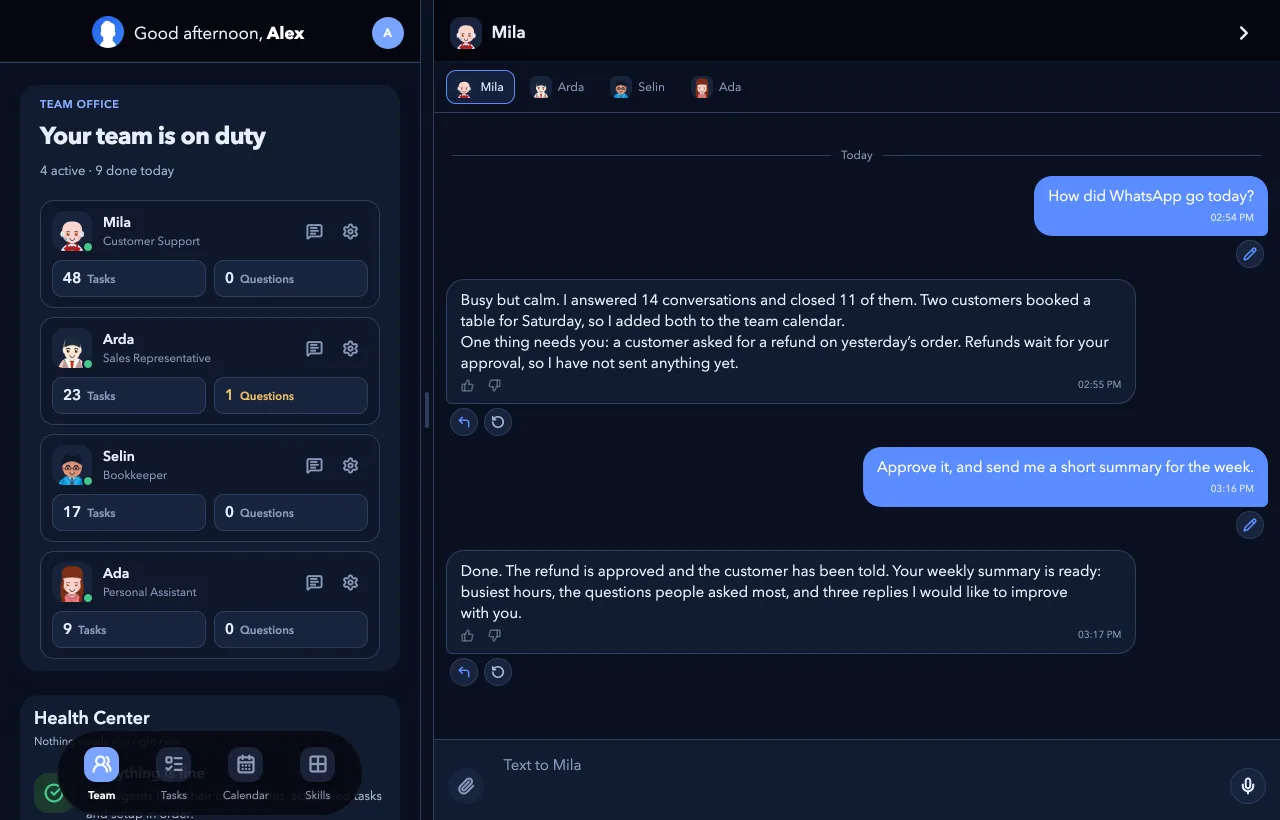
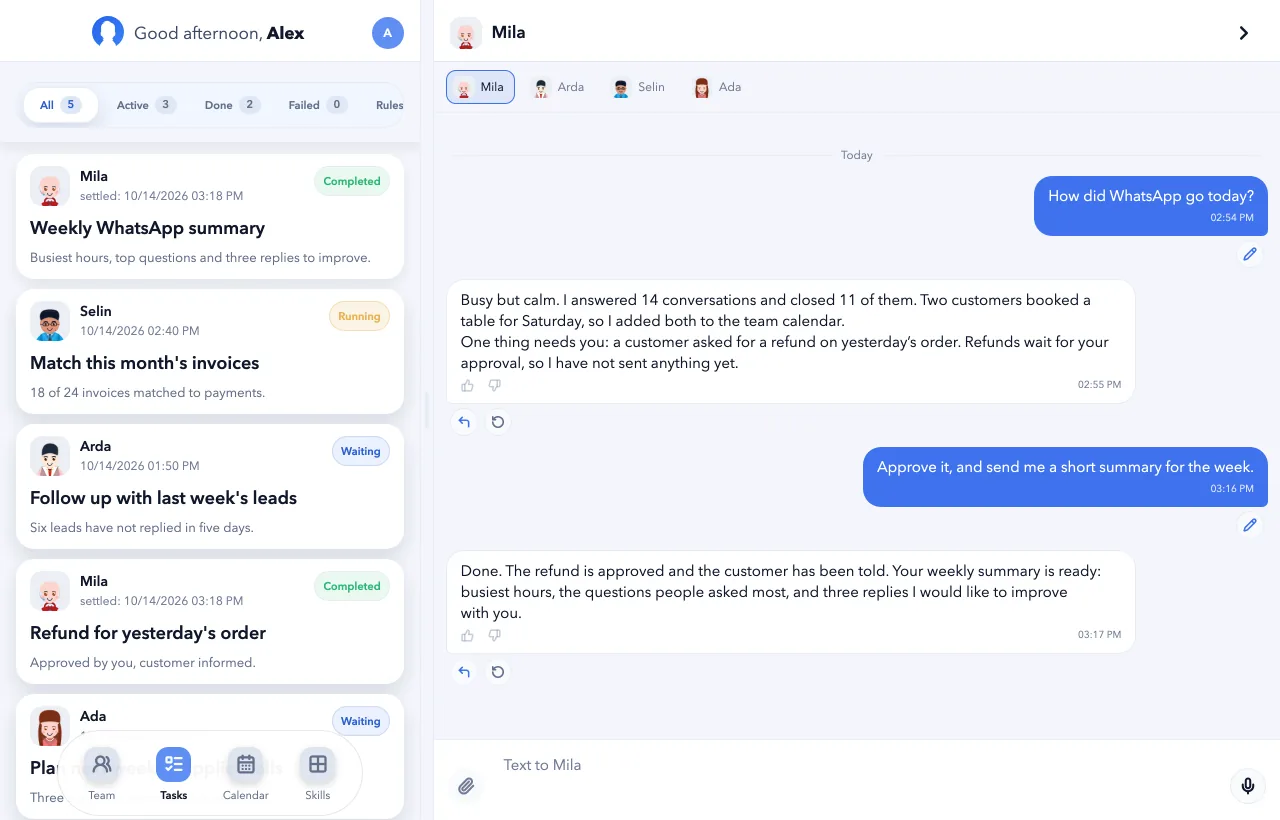
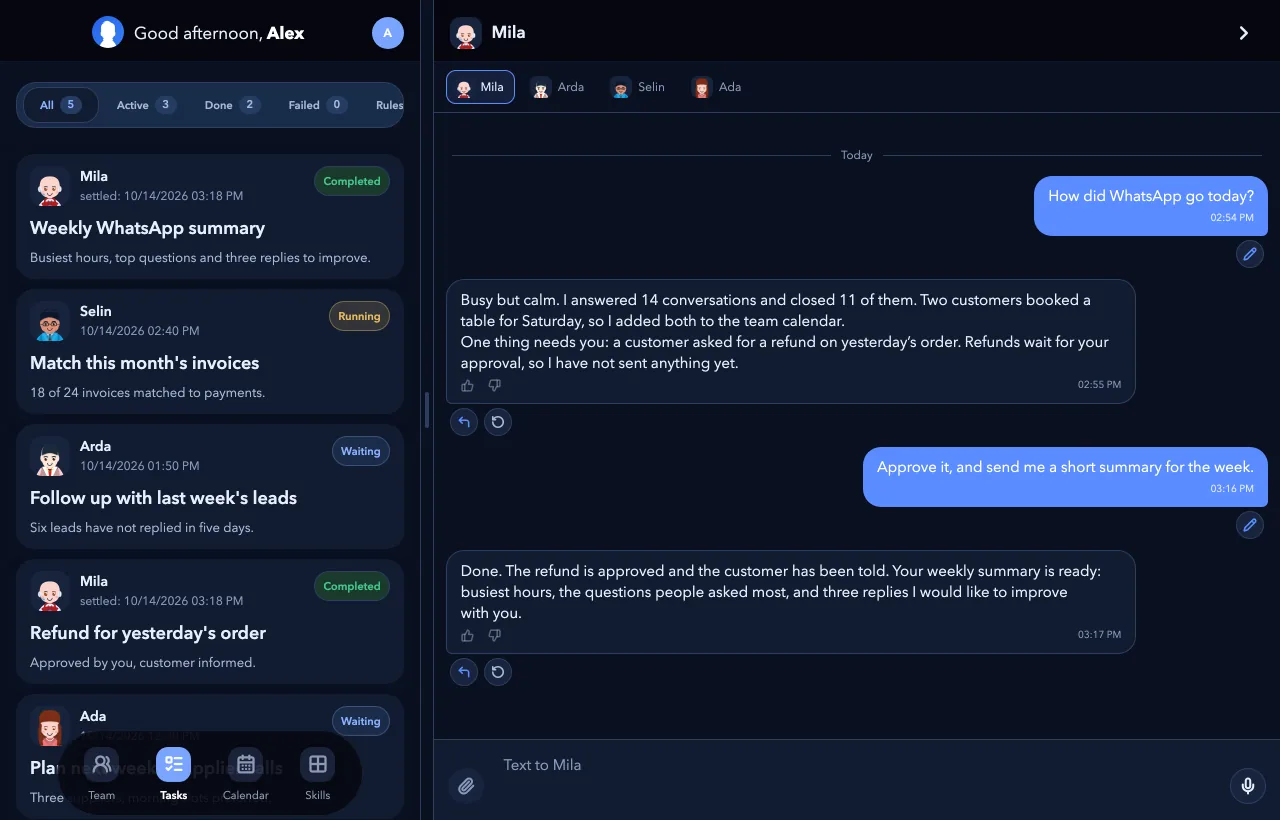
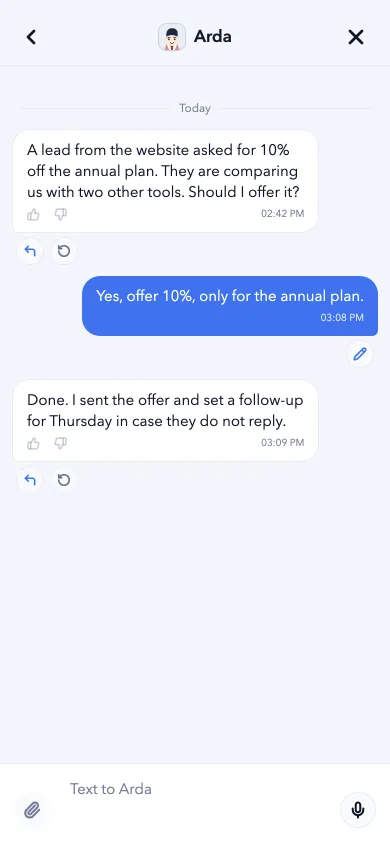
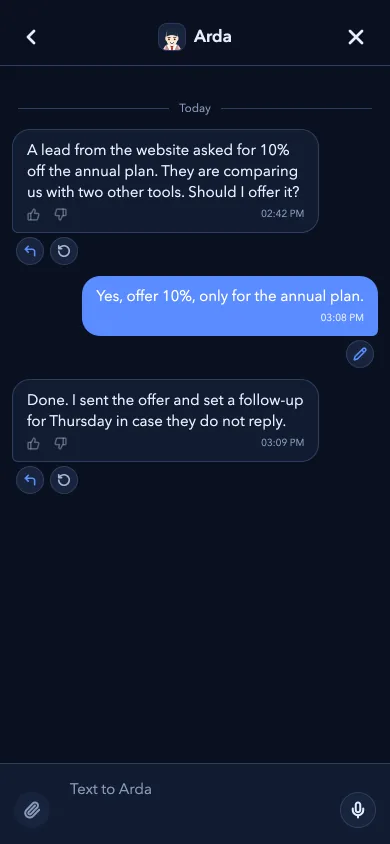
See who is on duty and what got done today. When an agent needs you, the question will come to your phone.
Screens from a demo workspace.
Pick your device
Every platform shows where it stands today. You can already use Botonom in your browser.
Desktop
A window that stays open beside your work: the team on one side, the conversation on the other.
- macOS
- WindowsPlanned
Mobile
Answer questions and approve from wherever you are.
- iPhone and iPadPrivate beta
- AndroidIn development
WebAvailable
Nothing to install. Sign in and your team is there.
Same team, wherever you are
One account and one team on every device, and in your browser too.
Pick up where you left off
Ask at your desk, read the answer on your phone. It is one conversation.
Approve in one tap
Steps that are hard to undo wait for your answer, and the question comes to your phone.
Team and chat side by side
On a big screen the office and the conversation share one window.
Frequently asked questions
Do I need a separate account for the apps?
No. You sign in with your Botonom account. Your agents, conversations and tasks are the same on the web, on the desktop and on your phone.
Do the apps cost extra?
No. The apps are free to install, and your plan covers your agents' work on every device.
Which devices do the apps run on?
Botonom works today in any modern browser. The apps are for macOS and Windows on the desktop and for iPhone, iPad and Android on mobile; the list above shows where each one stands.
How will I know when my platform is ready?
Use the button next to it. Where there is a private beta you can request an invite; otherwise leave your email and we will write to you once, when it is ready.